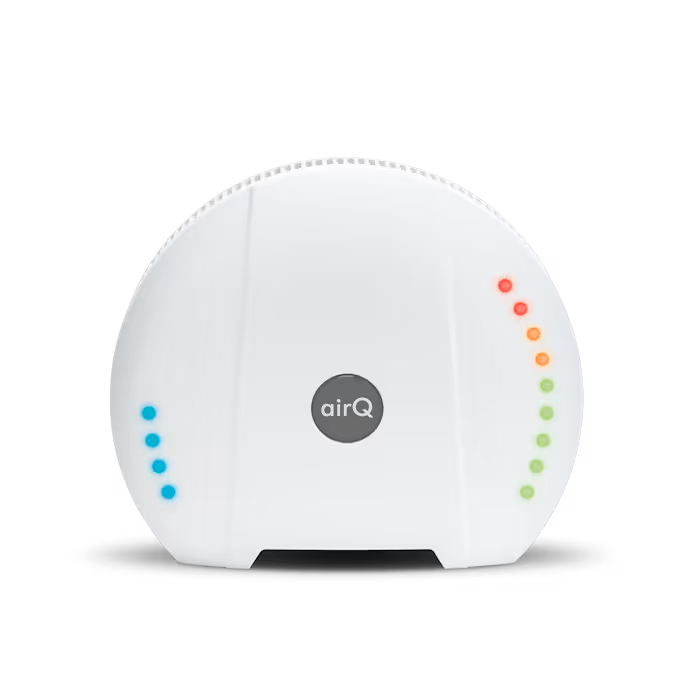
Additional Features and Access to the air-Q Local API
All settings and controls can be made via the air-Q API (HTTP POST) or by adjusting the air-Q’s configuration files, and are aimed more at technically skilled users. We’re happy to provide assistance here. Some settings are accessible via the Smartphone App and Web App.
The additional features and configuration options include:
- Configure MQTT and adjust the target server for data transmission (default: air-Q Cloud and my.air-q.com)
- Query data at a 2-second interval, even without the smartphone app, via HTTP GET commands
- Adjust intervals for data averaging and data storage (default: 2 minutes; adjustable down to 2 seconds)
- Direct CSV export: CSV data is stored directly on the air-Q’s memory card
- Individually adjust / disable calibration functions for scientific studies
- Adjust settings for WiFi, LEDs, acoustic alarms, etc. beyond the options provided in the app
- Access to hidden features and previously unactivated measured parameters, as well as experimental features
All settings and access to the air-Q local API are documented here.
Access to the air-Q Science Local API
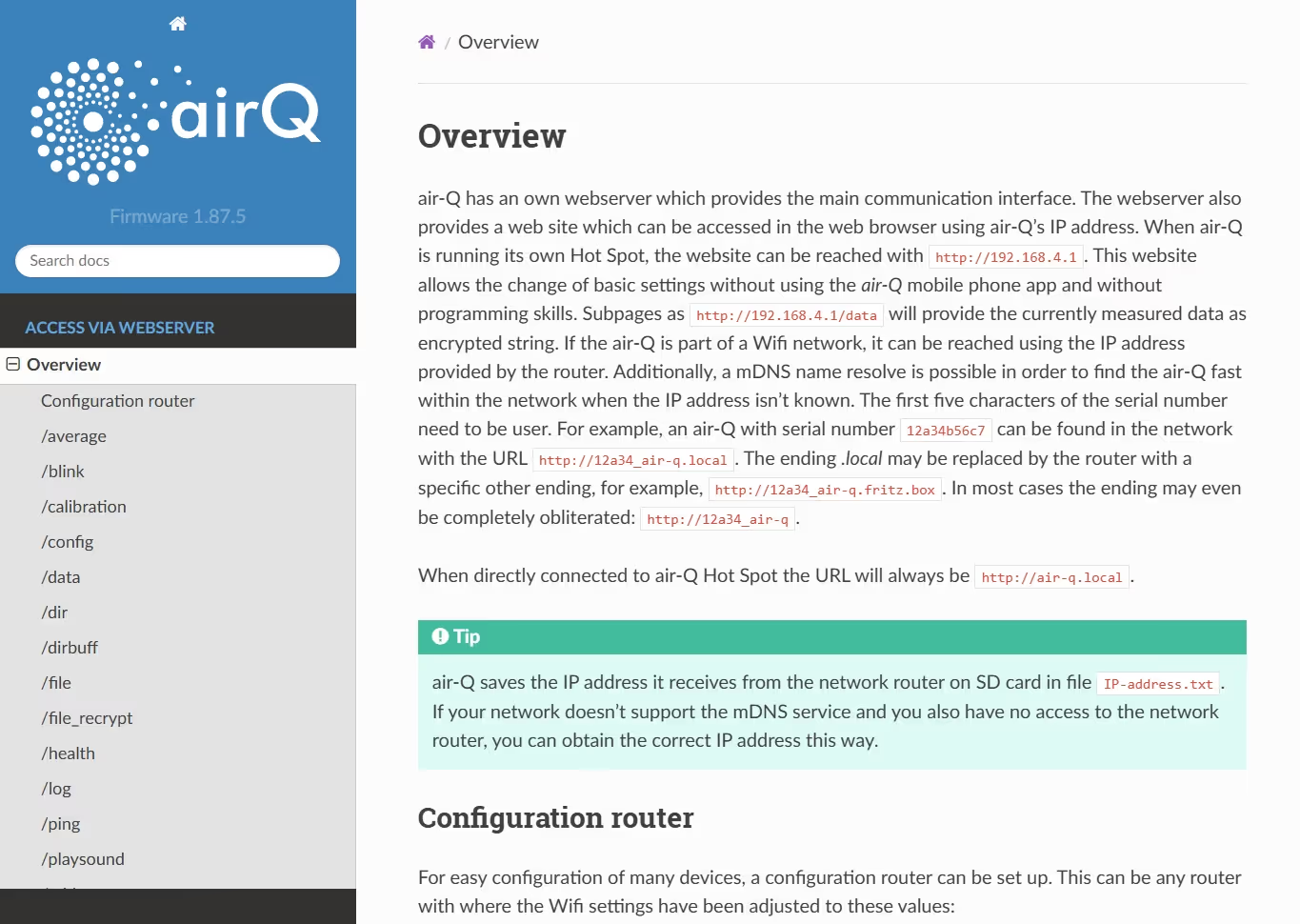
All air-Q Science devices are automatically enabled for the local air-Q Science API and gain access to the documentation with their serial number.
More Information on the air-Q Science and Its Features
Do you have further questions? Get in touch with us!